Learning / Remote Pro Legacy Articles / Adding sound to burst and slideshow GIFs (MP4 copies of GIFs only)
Adding sound to burst and slideshow GIFs (MP4 copies of GIFs only)
How to add sound tracks to burst and slideshow GIFs shared by Breeze Booth (iPad + iPhone)
May 2022
Screenshots in this tutorial have not been updated for the latest release, and may look a little different from the current versions of the Event Editor and App
Introduction
Adding an soundtrack to MP4 copies of both slideshow and burst GIFs shared by the App is very simple. First add your chosen MP3 audio file to the event screens folder, then update the event manifest so that the audio is included when the design is transferred to your iPads/iPhone.
Start the Event Editor and choose which event to edit
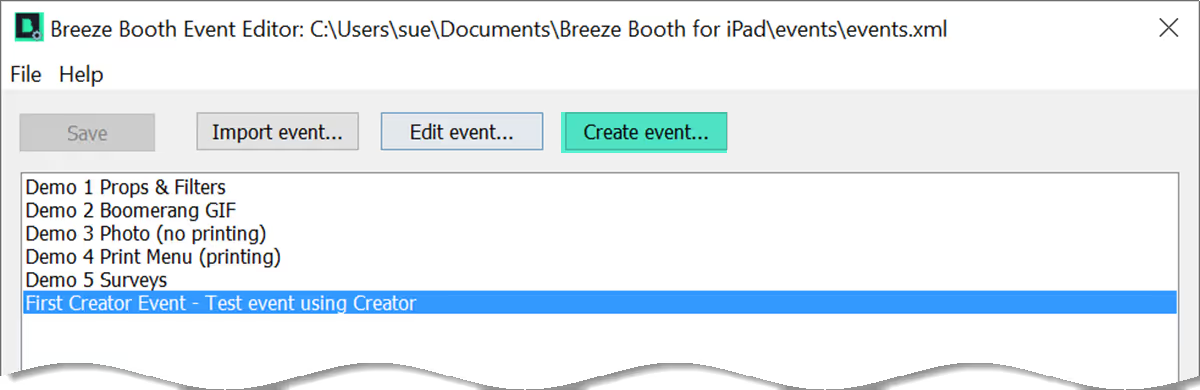
Open the event you want to edit (Breeze Booth Event Editor 1.3.1)
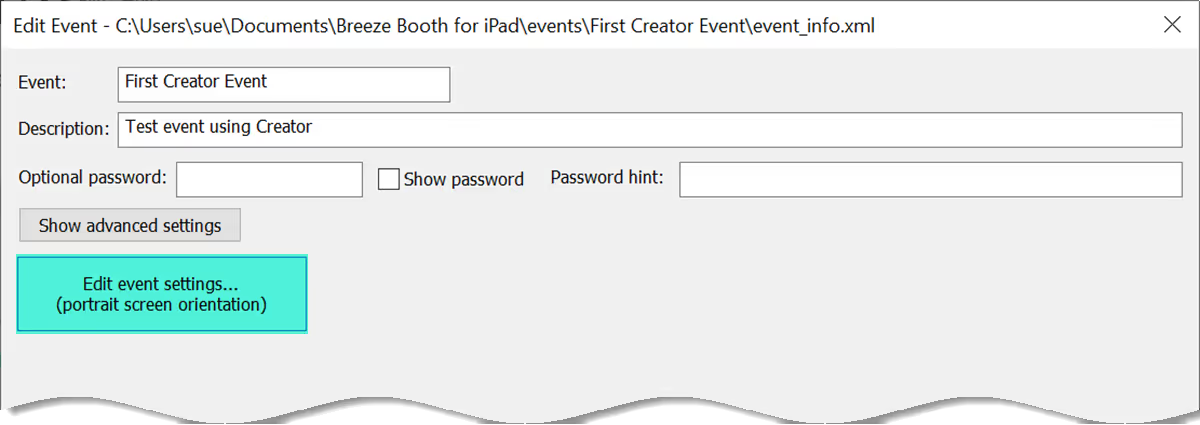
For simple events you are taken to this screen. Click on the Edit event setting**s button
Events with more than one profile
If the event has several profiles, you need to choose which profile to edit.
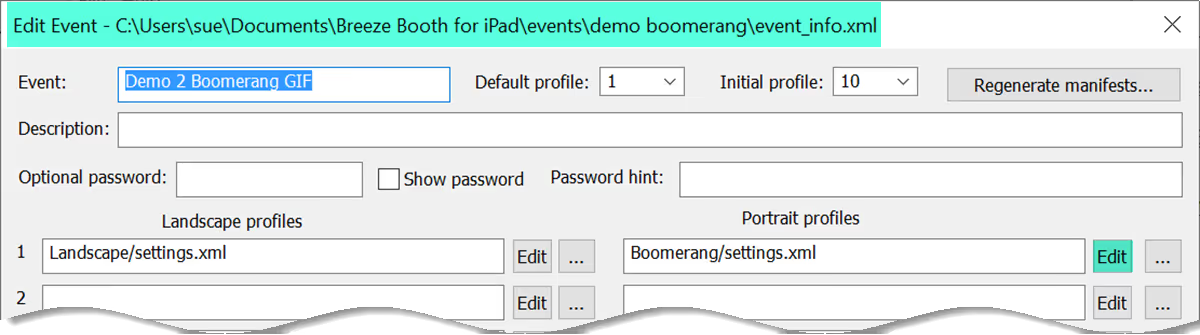
For events with more than one profile you are first taken to this screen, where you choose the profile you want to edit
Open the screens folder for the event (or individual profile)
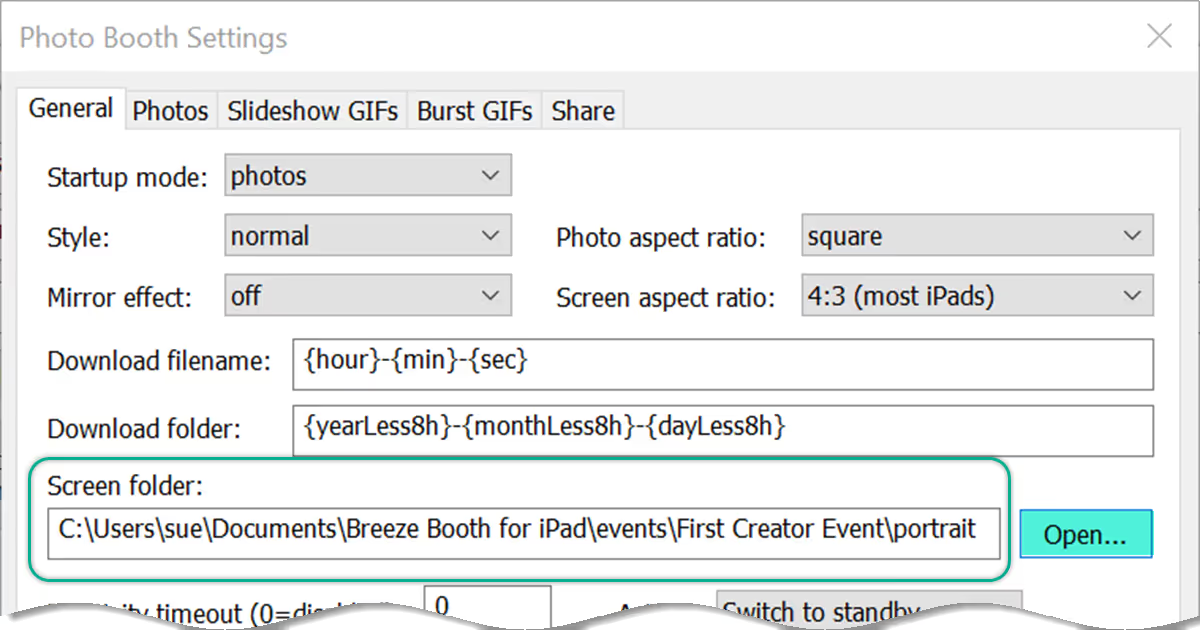
Opening the screens folder from within the Event Editor
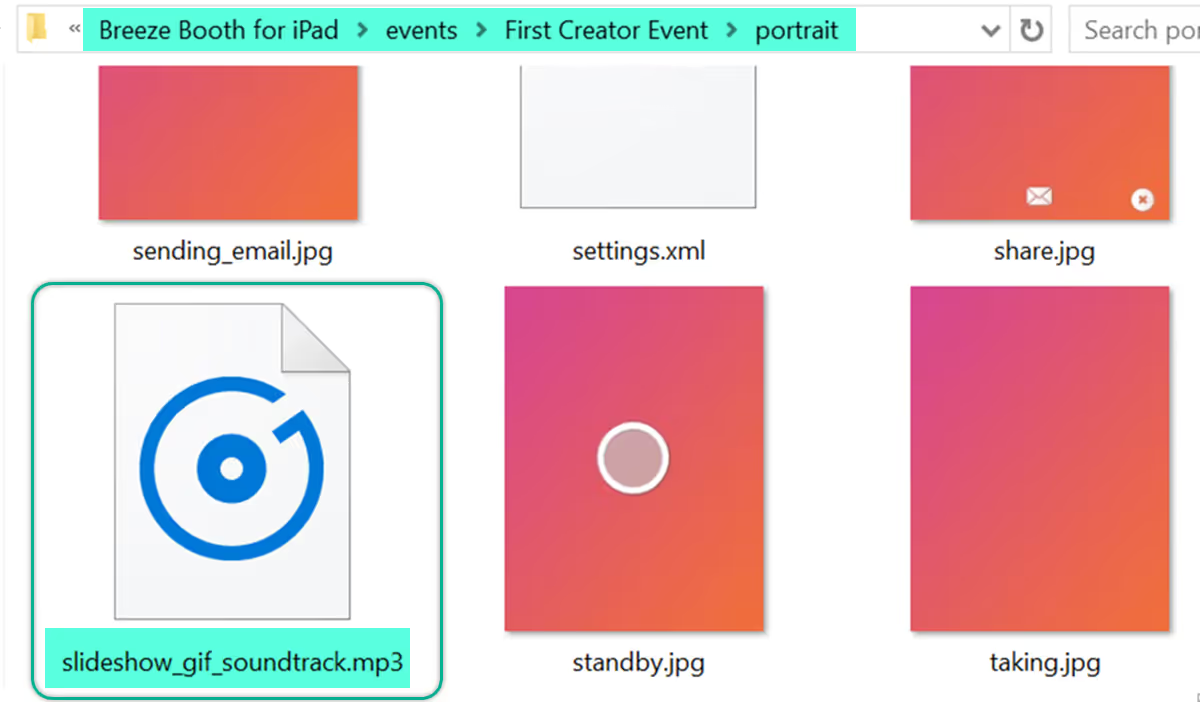
Paste your MP3 soundtrack into the screen folder
The audio file must be named correctly to be included with your MP4 video:
- for Burst GIFs use gif_soundtrack.mp3
- for Slideshow GIFs use slideshow_gif_soundtrack.mp3
Close the screens window and save your changes before leaving the Event Editor
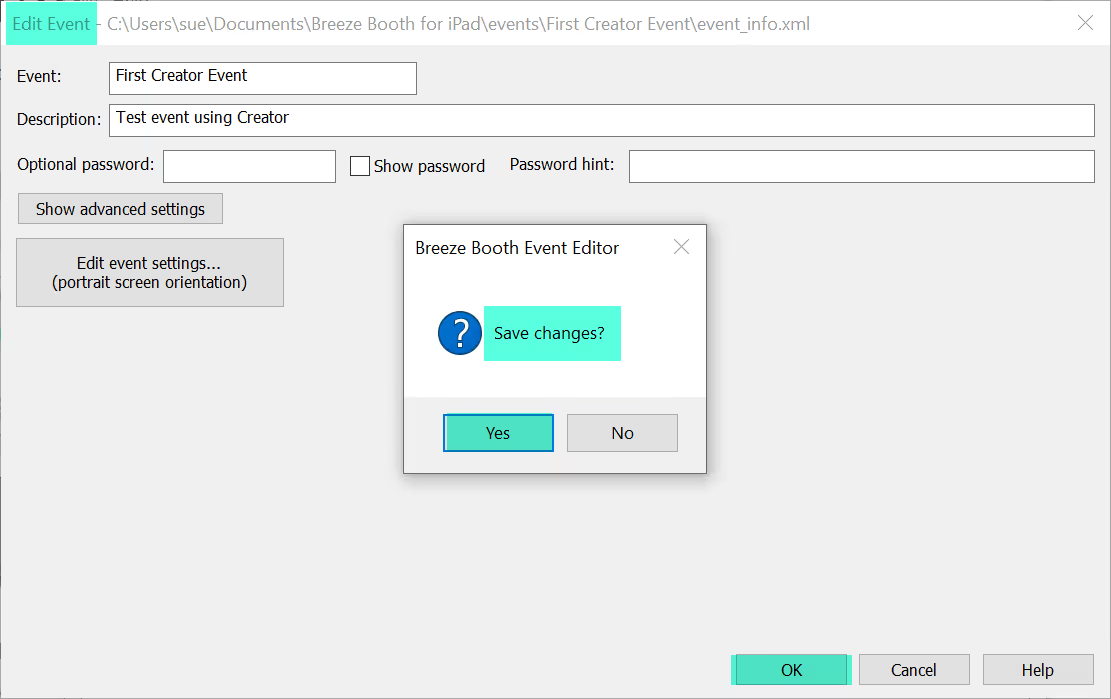
Saving changes to the event (Breeze Booth Event Editor 1.3.1)
When is the soundtrack played?
Audio soundtracks are included in MP4 copies of GIFs when they are shared from the device. The soundtrack does not play in the preview shown within the App itself.
You can only add sound tracks to MP4 copies of your GIFs, because the .GIF format does not support audio.
Finally transfer the new or updated event to your devices
Update your iPads/iPhones using a local network or the internet. More
Videos
Adding a sound track to videos
© Breeze Systems 2022