Blog / Greenscreen Gifs with animated backgrounds and overlays
Greenscreen Gifs with animated backgrounds and overlays
2018-10-25 · Sue Breeze · Breeze Booth, DSLR Remote Pro
Have you tried Breeze transparent greenscreen? It’s a great way to make your GIFs stand out.
This tutorial assumes you can already shoot simple green screen photo booth images with DSLR Remote Pro, and explains how to add animated backgrounds and overlays to a slideshow GIF.
https://www.youtube.com/watch?v=MW9iFyVVVbs
Usually when you shoot in greenscreen, each photo is saved with a single green screen background. Transparent greenscreen removes the background from an image and stores it as a png with a transparent background. This lets you add a variety of backgrounds later.
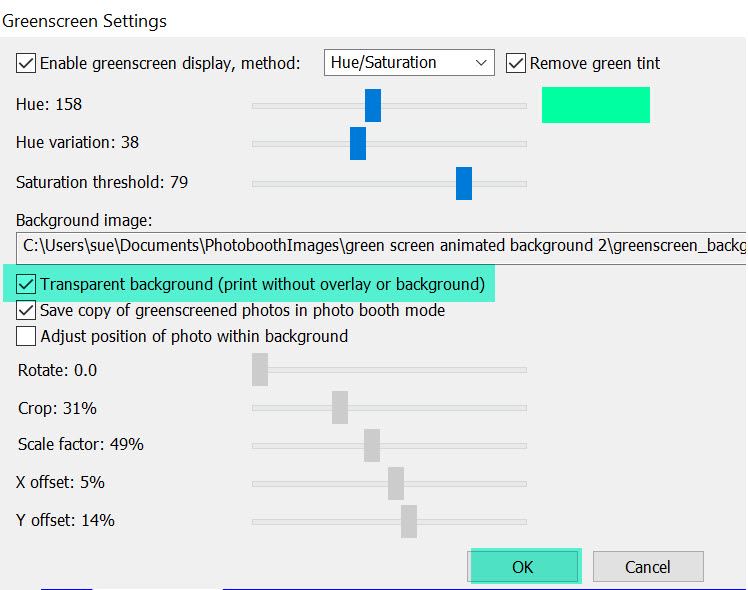
Selecting transparent greenscreen processing in Breeze DSLR Remote Pro 3.11.4
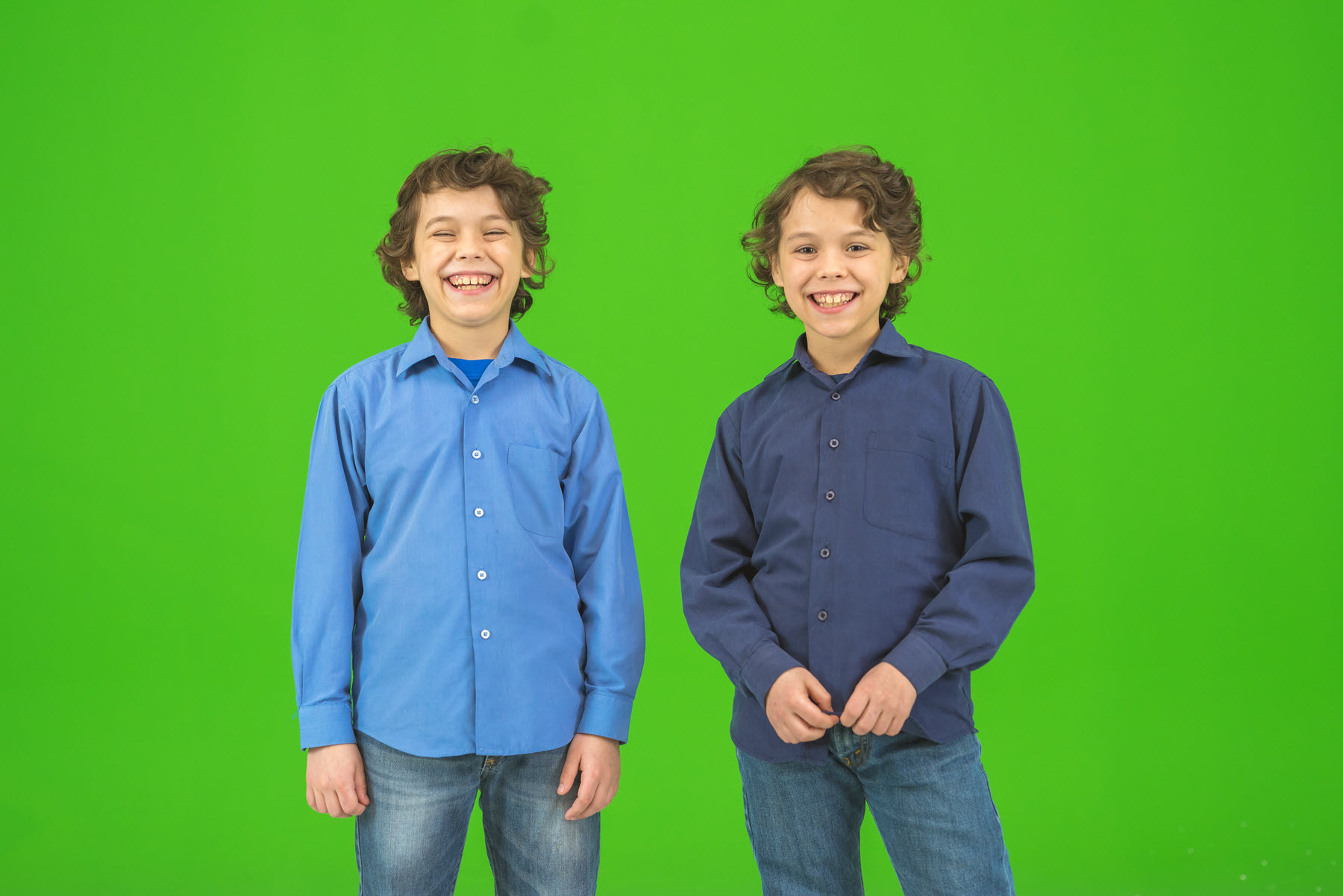
The original photo is shot against a greenscreen background
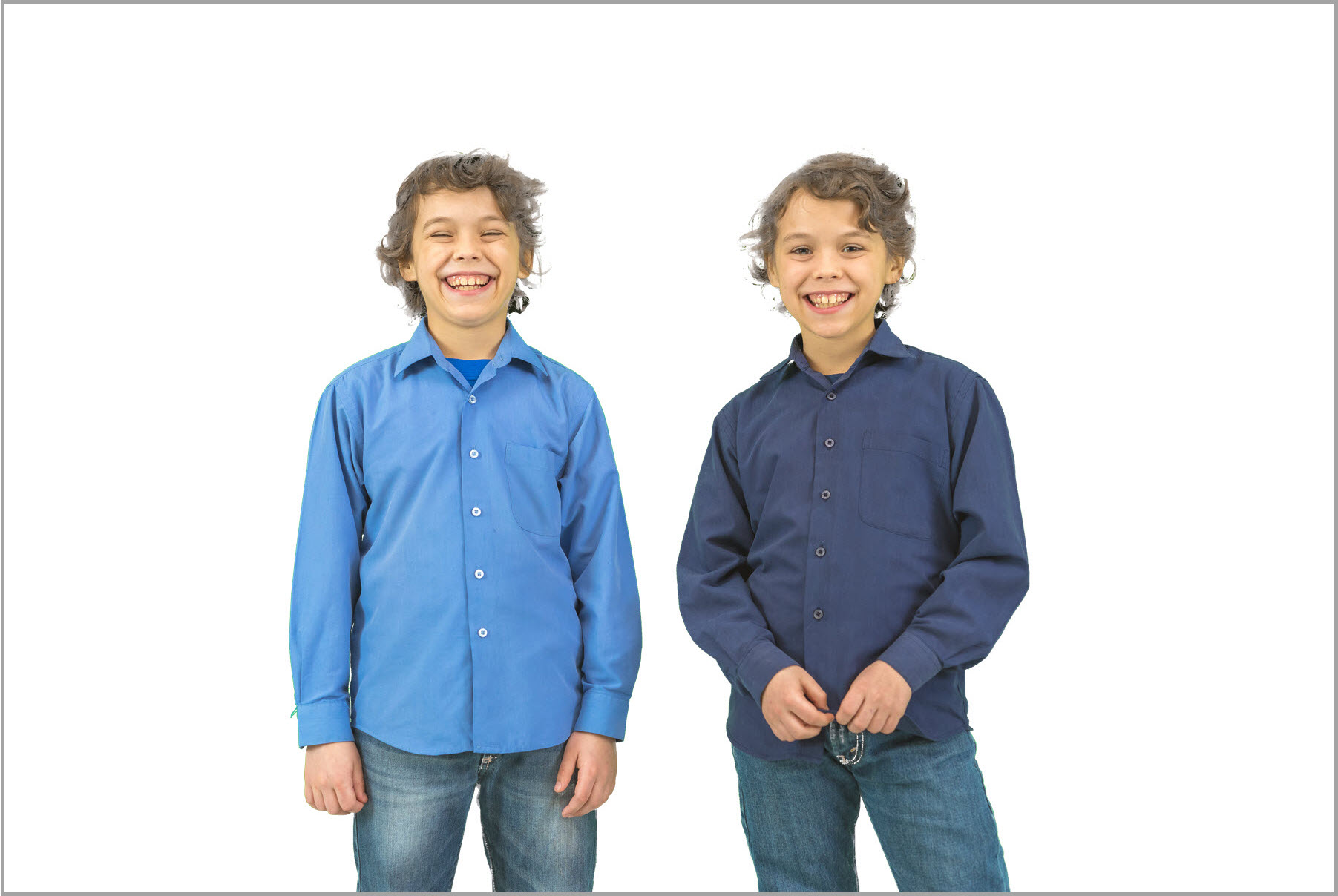
DLSR Remote Pro removes the green background and saves the photo on a transparent background
Breeze lets you combine these images into a slideshow GIF which has an animated background.
Add the GIF backgrounds
To make a slideshow GIF with an animated background, you need to add a series of GIF backgrounds to your PhotoBoothImages folder.
My GIF has 3 photos. Each of these photos will have 3 different background images.
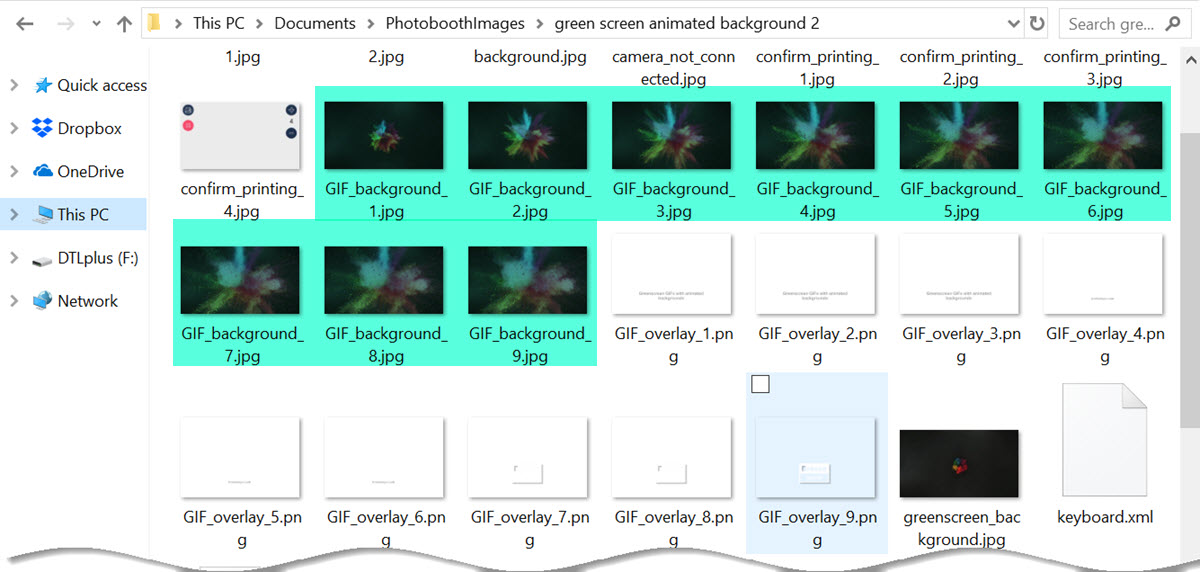
9 GIF backgrounds in the PhotoBoothImages folder (Breeze DLSR Remote Pro 3.11.4)
The background images are named GIF_background_1.jpg through to GIF_background_9.jpg
Add the GIF overlays
My GIFs will have 9 overlays called GIF_overlay_1.png through to GIF_overlay_9.png
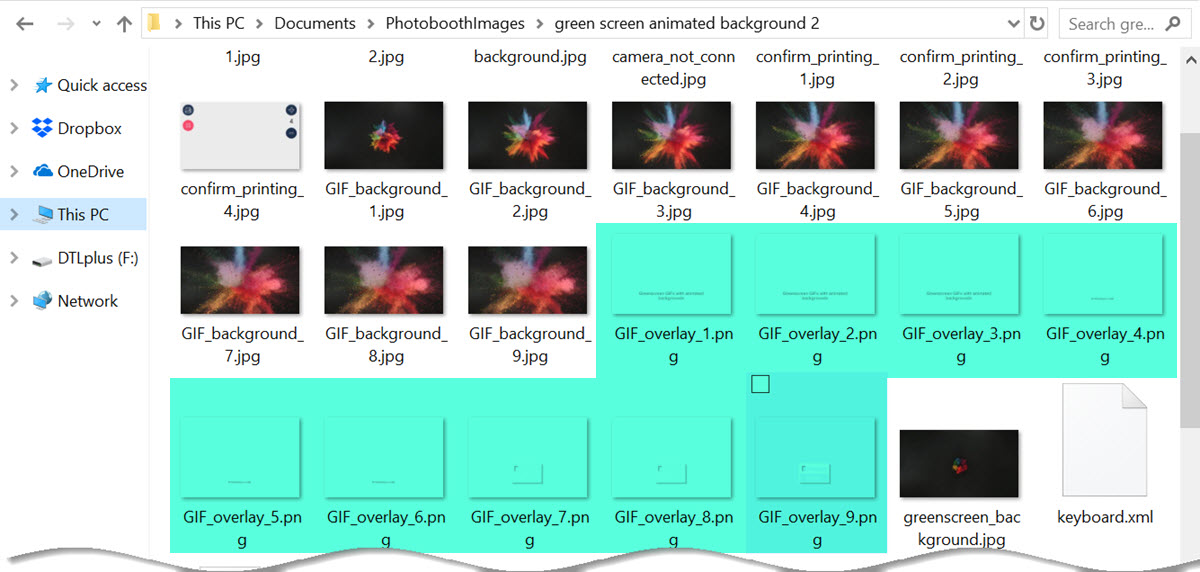
9 GIF overlays in the PhotoBoothImages folder (Breeze DLSR Remote Pro 3.11.4)
Add the on-screen background
To keep things simple I am using 1 still background image for the on screen preview. This is called greenscreen_background.jpg as usual.
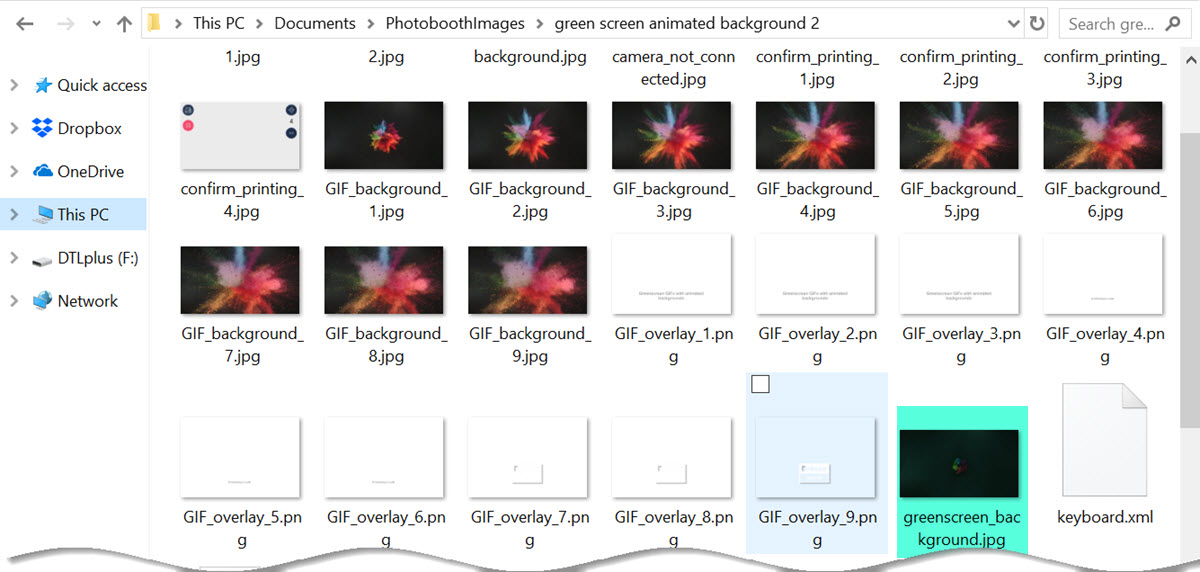
Greenscreen background image in the PhotoBoothImages folder (Breeze DLSR Remote Pro 3.11.4)
Select your animated GIF settings
First enable animated GIFs . How to make slideshow GIFs
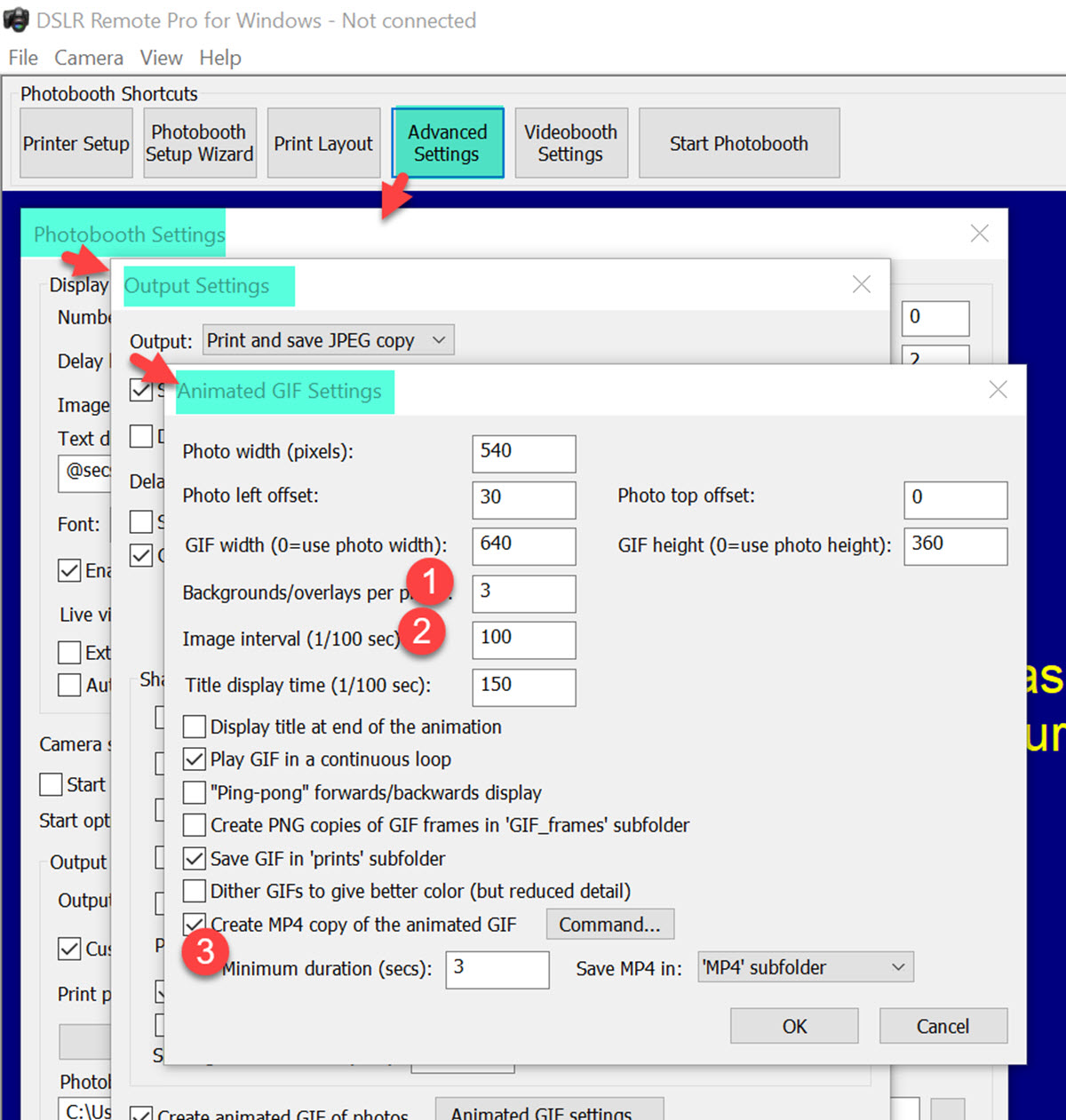
- There are 3 backgrounds and overlays for each photo
- Each photo will be shown for one second
- The GIF will be displayed for at least 3 seconds
Printing transparent greenscreen images
The photos are saved with transparent backgrounds, so you can print them against a white background, or on a single background image. The images can be a different color from the background.
Learn more
- Using Breeze greenscreen photobooth
- Breeze with animated GIFs
- Download Breeze and try it out today
Thank you for taking the time to read this post.
Sue
© Breeze Systems 2018
Animated GIFGreen screenslideshow GIF